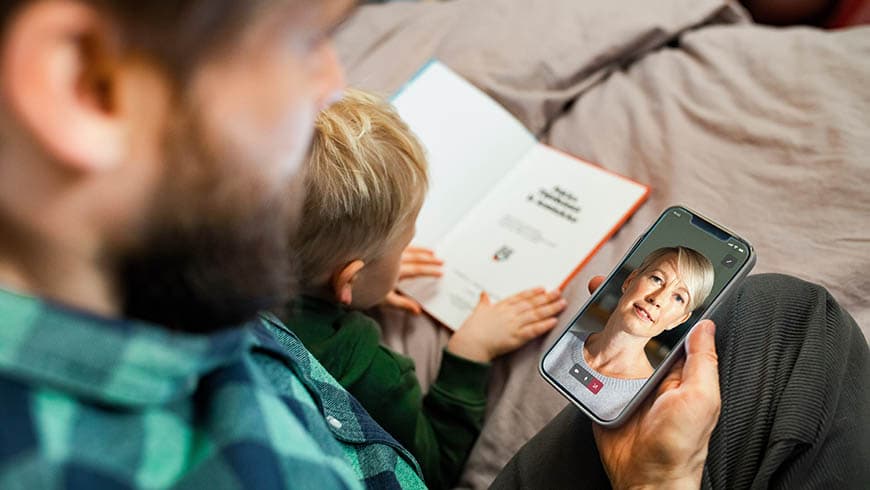
Remote appointments allow you to access the services of doctors and nurses easily and quickly, anywhere and any time. Welcome to a remote appointment at Mehiläinen!
Remote appointments at Mehiläinen allow you to communicate with doctors and nurses easily and quickly, anywhere and any time. If your symptoms are mild, we recommend using our remote appointment service. Our remote appointment service can be found easily in the OmaMehiläinen service.
If you want to book a video appointment for a child, they must be included in the family profile. Even if you are not a Mehiläinen customer, you can register to OmaMehiläinen and add your child to your family profile.
Family profiles can be made easily in the OmaMehiläinen app:
Add > Family members > Add family member
Once you have booked a phone appointment, our specialist will call you at the scheduled appointment time. According to our policy, if you do not answer the first call, the doctor will try again in a little while. If you do not answer your phone at the time agreed for the appointment, you will be charged for an uncancelled appointment. You cannot call our doctors back.
Remote appointments are subject to a fee. The price of a phone or video appointment depends on the doctor. The price is based on the duration of the appointment and is similar to the price of face-to-face appointment. An outpatient and Kanta fee are added to the price of a remote appointment in the same way they are applied to personal appointments at medical clinics. Kela compensations are applied to remote appointments.
The invoice for a remote appointment is sent to your home address after a few days. You can also pay open invoices in OmaMehiläinen under the Invoices section. A fee will be charged for uncancelled remote appointments.
How to use the OmaMehiläinen app (video in Finnish).
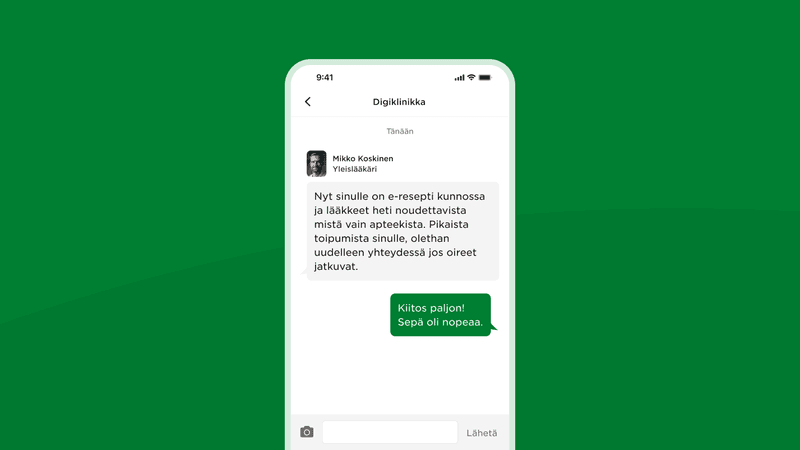
Do you need to renew your prescriptions? Do you have eye or cold symptoms? Symptoms and diseases that do not require physical examination can easily be treated at Digital Clinic.
Search for and select telephone and video appointments easily in Mehiläinen’s booking system.
You can book an appointment easily and quickly on your computer or phone.
Choose your preferred remote appointment option (video, call)
Welcome to Mehiläinen! You can easily pay for your appointment with the OmaMehiläinen app.
Remote appointments are excellently suited for many situations where a physical visit to the practice is not necessary. It is a convenient solution for example for:
However, remote appointments are not suitable for all situations. It does not replace situations requiring a physical examination, such as:
If you are not sure which appointment option to choose, you can always contact our customer service around the clock, any day of the year. Our customer service offers help and guidance in choosing the right option for you. You can contact our customer service by phone or through Digital Clinic in OmaMehiläinen.
Call our customer service (local network rate/mobile charge)
Do you need to renew your prescriptions? Do you have eye or cold symptoms? Digital Clinic provides treatment for symptoms and diseases that do not require a physical examination without an appointment.
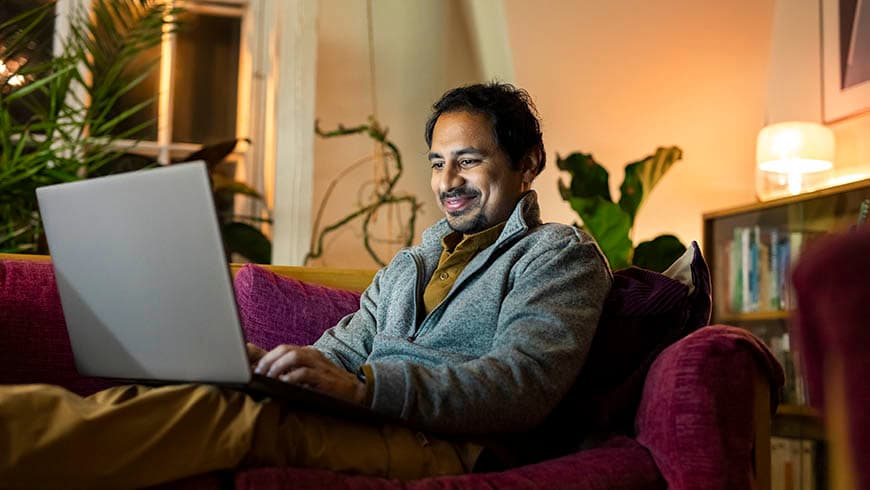
You can book a video appointment easily in the booking system under Appointment/Remote appointment. Video appointments are also available in the OmaMehiläinen app.
You can join the video appointment using a phone or computer by following the instructions below.
Attending the online appointment requires:
How to prepare for your online appointment:
1. Download the OmaMehiläinen mobile app or update the OmaMehiläinen app on your device to the latest version. Latest version is needed for the online appointment to appear correctly. Register to OmaMehiläinen app using you online banking credentials.


2. Microsoft Teams is the platform for the video connection. The connection is secure and encrypted and conversations are not recorded. Download the Microsoft Teams mobile app from the app store (Google Play External link tai App Store External link).
How to join the online appointment:
 symbol and mute/unmute your microphone by tapping the
  symbol.
 symbol.
If you have not joined the online appointment on time, Mehiläinen practitioner will try to reach you one time by phone (unknown caller). If you experience technical difficulties in joining the appointment, wait for the practitioner to call you. You can also read our Q&A below.
Attending the online appointment requires:
How to prepare:
How to join the video appointment via computer:
 symbol and mute/unmute your microphone by tapping the
  symbol.
 symbol.
If you have not joined the online appointment on time, Mehiläinen practitioner will try to reach you one time by phone (unknown caller). If you experience technical difficulties in joining the appointment, wait for the practitioner to call you. You can also read our Q&A below.
You can search for and select phone appointments easily in Mehiläinen’s appointment booking system under Appointment/Remote appointment.
Use the Digital Clinic chat service to get help with many types of symptoms without booking an appointment. Read more about Digital Clinic.
If you need an appointment with a specific general practitioner, you can also book a phone appointment.
BOOK AN APPOINTMENT WITH A DIABETOLOGIST
BOOK AN APPOINTMENT WITH A SPECIALIST IN INTERNAL MEDICINE
The following symptoms and illnesses almost always require a physical examination of the patient to select the appropriate follow-up examinations. If you want to discuss possible symptoms and examinations with your doctor in advance, you can book a remote appointment.
BOOK AN APPOINTMENT WITH A PHYSIOTHERAPIST
BOOK AN APPOINTMENT WITH A GYNAECOLOGIST
Learn more:
Contraception clinic helps young people select an appropriate mode of contraception
The dermatologist will need clear and high-quality pictures to make a diagnosis during a phone appointment. Please take 1–3 pictures in advance before the appointment. You can send the pictures to the doctor by secure email (see the instructions above).
BOOK AN APPOINTMENT WITH A DERMATOLOGIST
BOOK AN APPOINTMENT WITH A CARDIOLOGIST
BOOK AN APPOINTMENT WITH A OTORHINOLARYNGOLOGIST
BOOK AN APPOINTMENT WITH A PAEDIATRICIAN
If the child suffers from symptoms of a respiratory tract infection (flu, cough, shortness of breath, earache, sore throat) and requires a doctor’s consultation, please book an appointment on the children’s respiratory tract infection list at a medical clinic.
BOOK AN APPOINTMENT WITH A PSYCHIATRIST
A remote appointment with a psychologist can be booked for the same reasons as a personal appointment, including challenging situations in life or mood disorders. If you have not accessed the services of a psychologist before, you may find it easier to join a remote appointment than visiting a psychologist in person. Some even feel that sharing their matters is easier when they are using a phone or a computer.
A mental health consultation is a good choice for a first appointment
BOOK AN APPOINTMENT WITH AN ORTHOPAEDIST
If your symptoms are visible to the eye, the ophthalmologist will need clear and high-quality pictures to make a diagnosis during a phone appointment. Please take 1–3 pictures in advance before the appointment. You can send the pictures to the doctor by secure email (see the instructions above).
If your condition requires physical examination, we recommend that you book a traditional appointment.
You can book remote appointments with all occupational health care professionals and specialists online (occupational health physicians, occupational health nurses, occupational psychologists and occupational physiotherapists). Occupational health customers with access to the OmaTyöterveys service can book appointments by calling their service number.
If your condition requires physical examination, we recommend that you book a traditional appointment.
BOOK AN OCCUPATIONAL HEALTH CARE APPOINTMENT
MORE INFORMATION ABOUT DIGITAL CLINIC IN OCCUPATIONAL HEALTH CARE
Did you know that you can contact your personal occupational health nurse and occupational health physician with the OmaMehiläinen app? You can send chat messages on the Occupational Health tab under Occupational Health Team.
BOOK AN APPOINTMENT WITH A UROLOGIST
Update the OmaMehiläinen app to the latest version.
Microsoft Teams serves as the video conferencing platform for the appointment and enables the video connection with the practitioner.
The remote connection is protected and encrypted. Conversations are not recorded. Joining a video appointment requires strong identification in the OmaMehiläinen app and web service.
A video appointment requires a functioning internet connection. Ensure the quality of your internet connection. Join the video appointment via the "Start" button in OmaMehiläinen. If you encounter technical challenges that you cannot resolve on your own, wait for a phone call from the practitioner.
The video connection works best with Google Chrome and Microsoft Edge browsers. Use these browsers when logging into the OmaMehiläinen web service. If you are using browsers other than those mentioned above, install the Microsoft Teams desktop application in advance.