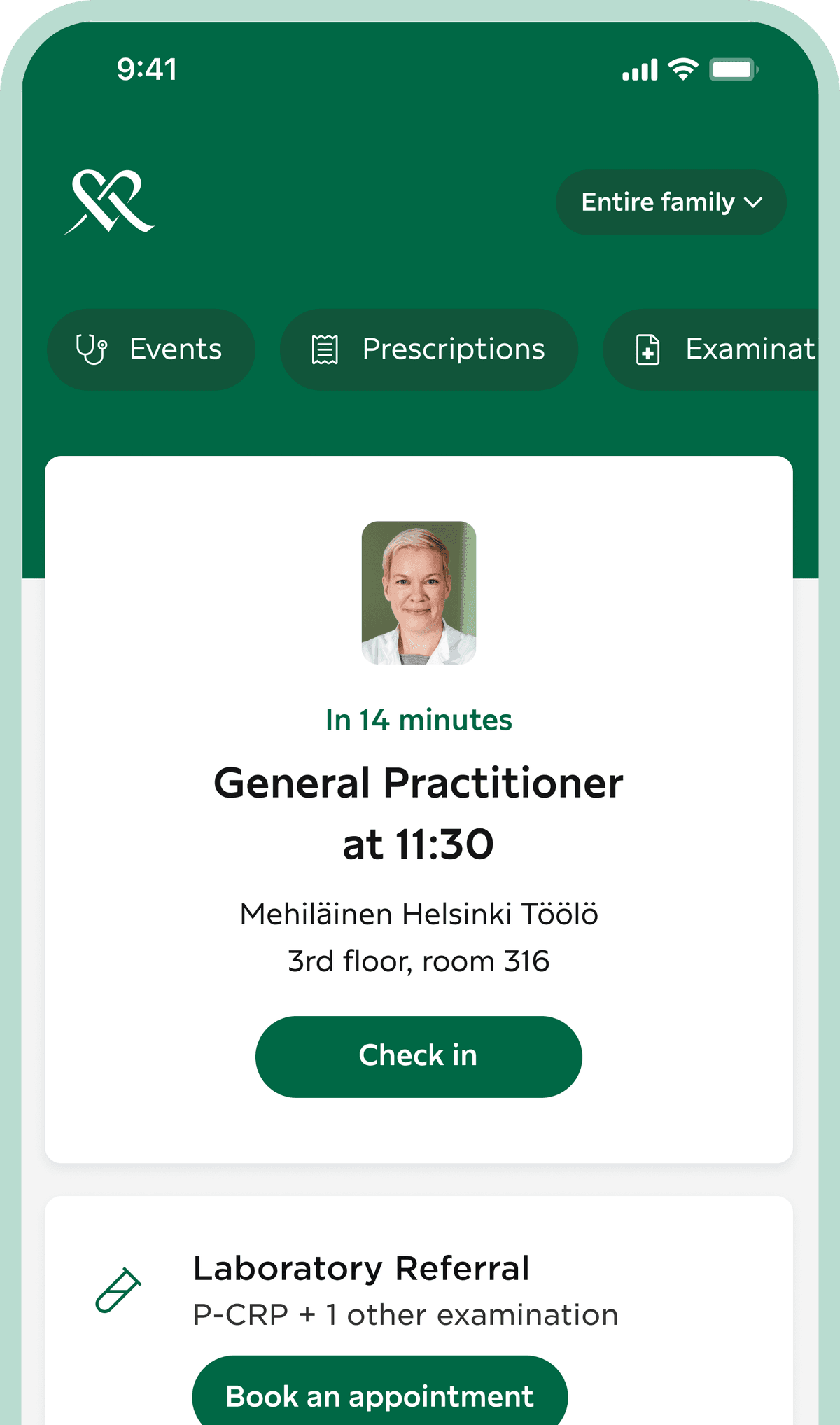
Easily manage your health anytime, anywhere with the OmaMehiläinen app or online service.
With the OmaMehiläinen app, you can access Mobile Benefits and easily check in for appointments.

OmaMehiläinen is Mehiläinen's secure and free service that simplifies managing health matters for you and your family. Through OmaMehiläinen, you also have access to the Digital Clinic's remote appointments, providing assistance for all your health concerns around the clock.
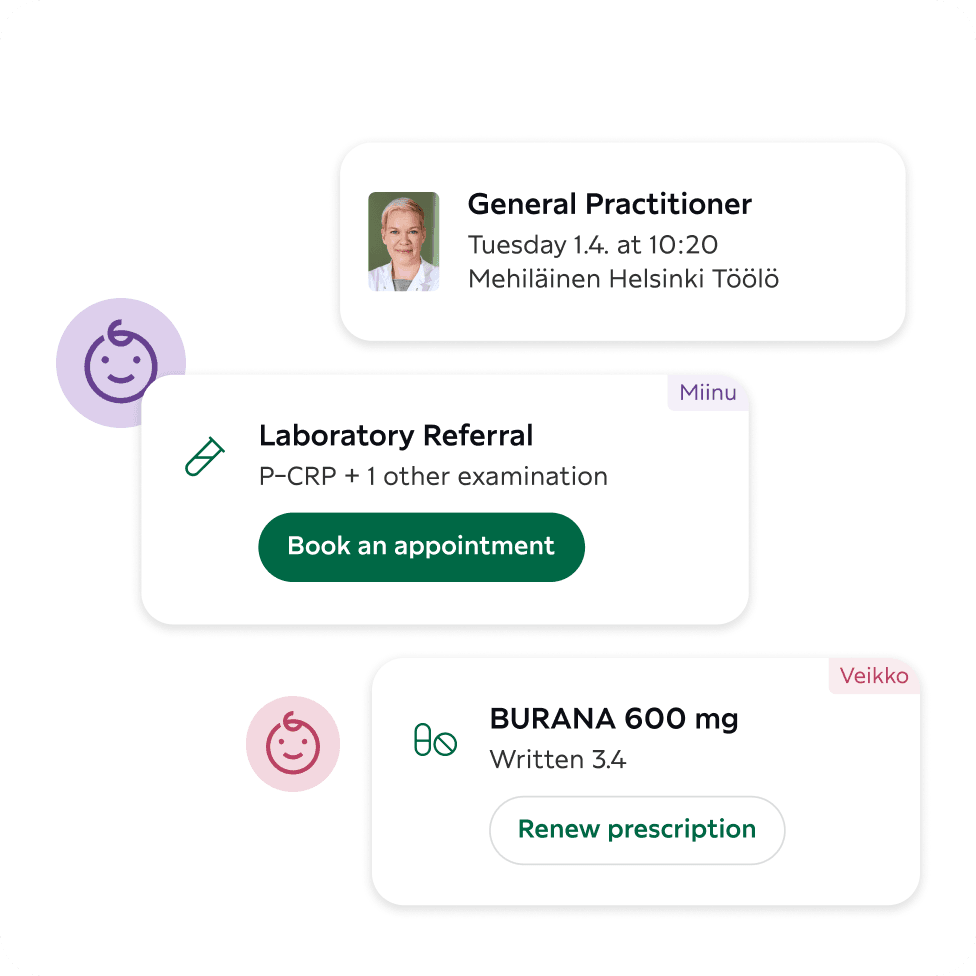
In OmaMehiläinen, you can find your own and your family's health information, such as upcoming and past visits, sick leave certificates, referrals, test results, prescriptions, and dental charts.
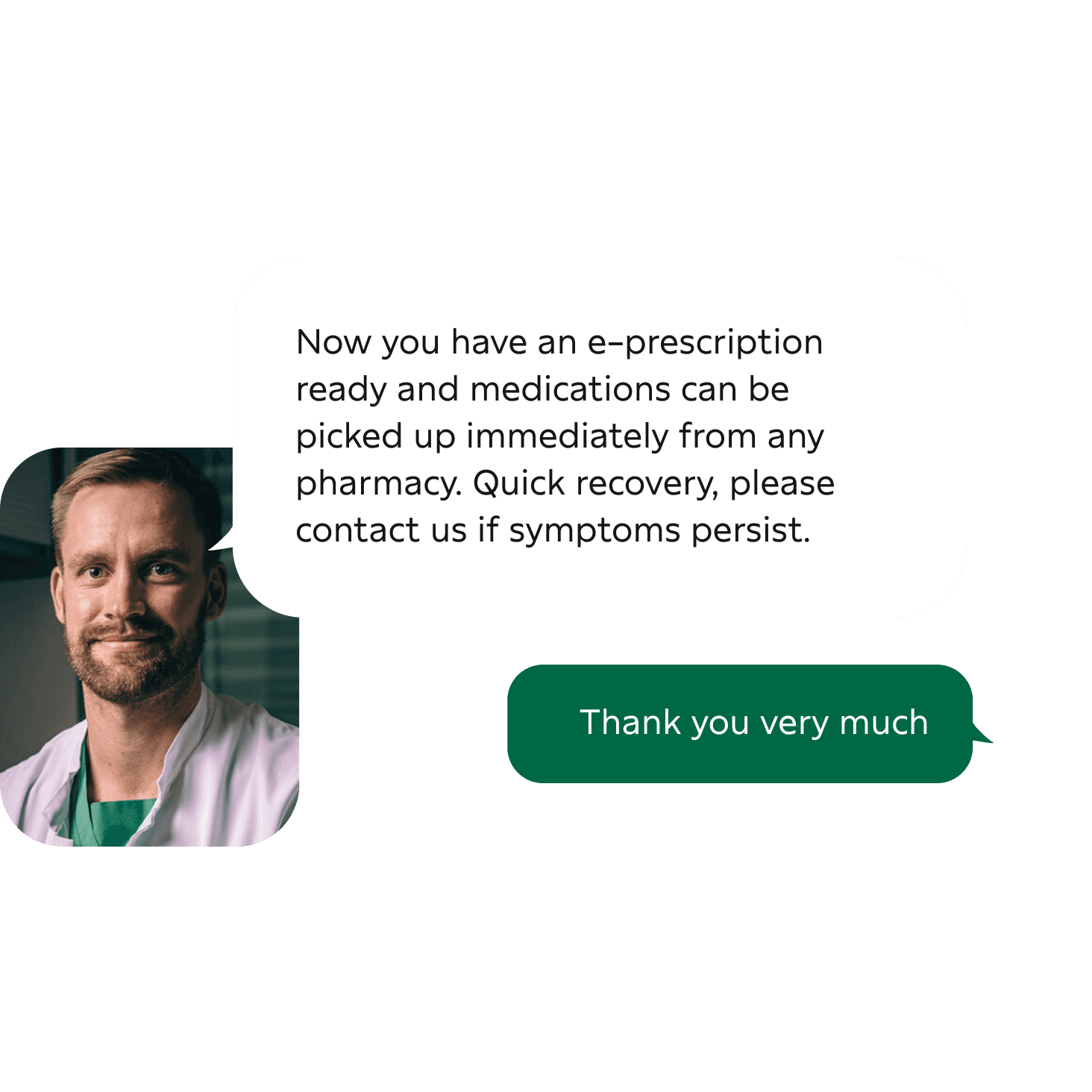
Our experienced professionals address your health concerns 24/7 – whether it's a cold, another illness, or a prescription renewal. Remote appointments from your couch are easier, faster, and more affordable than face-to-face doctor visits.
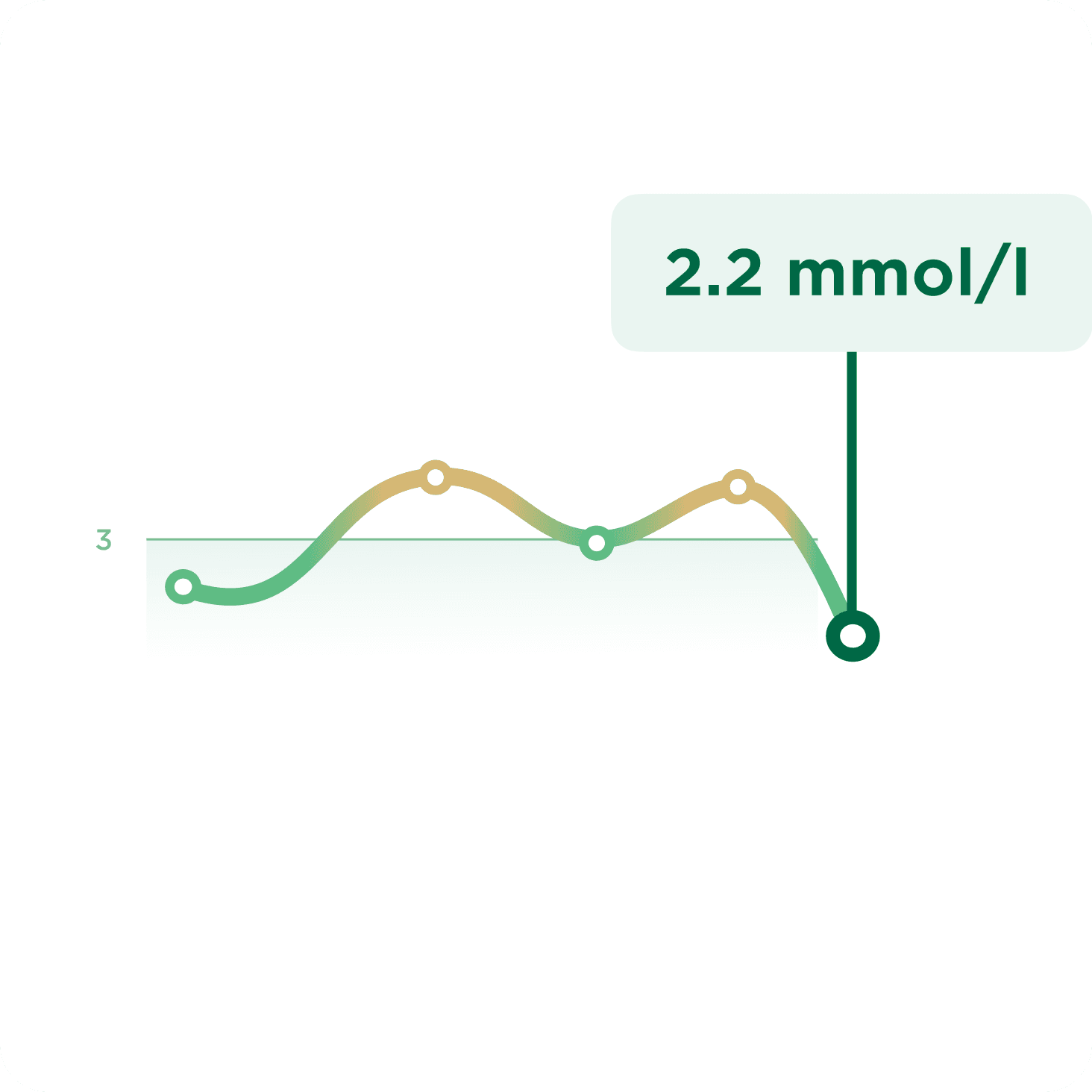
In OmaMehiläinen, you can view imaging and laboratory test results as soon as they are ready. You get a clear view of your results and their development. With the OmaMehiläinen app, you receive a notification on your phone as soon as your results are ready – easy, fast, and always up-to-date.
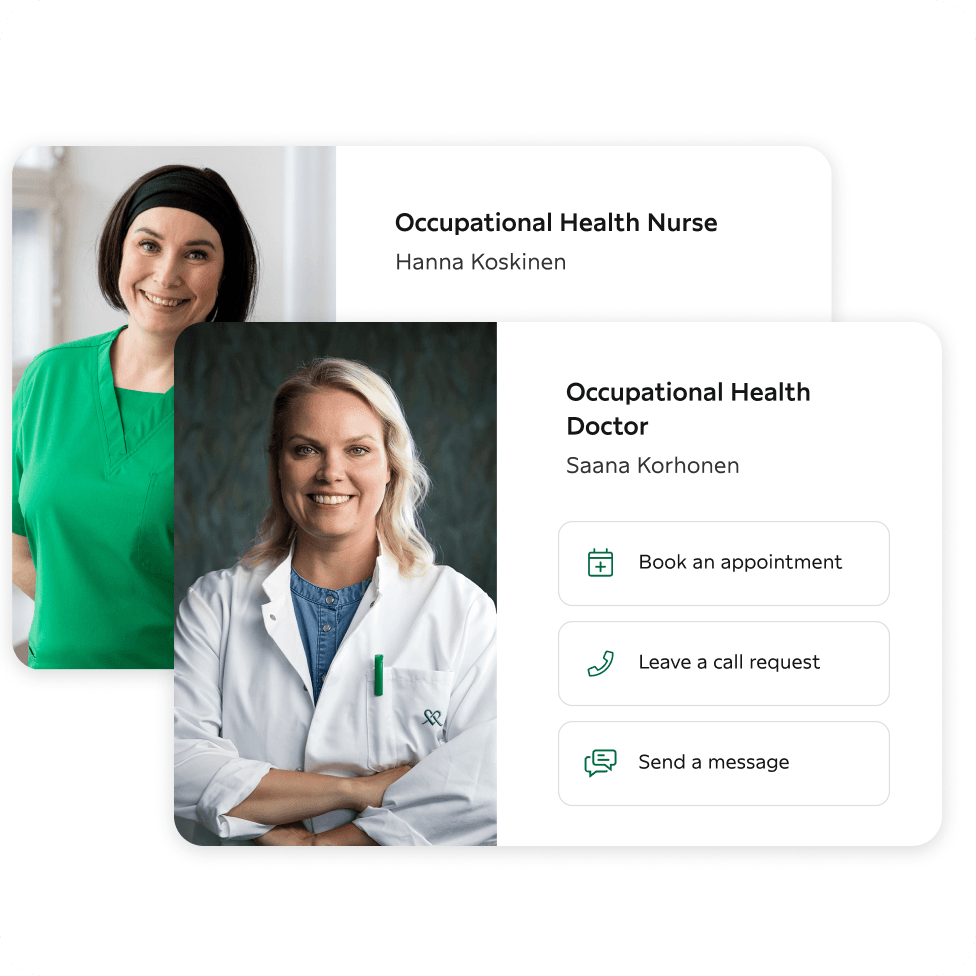
In the occupational health section, you can see the services included in your occupational health and send a message to your occupational health team expert. At the Digital Occupational Health Station, you can manage your health smoothly remotely around the clock.
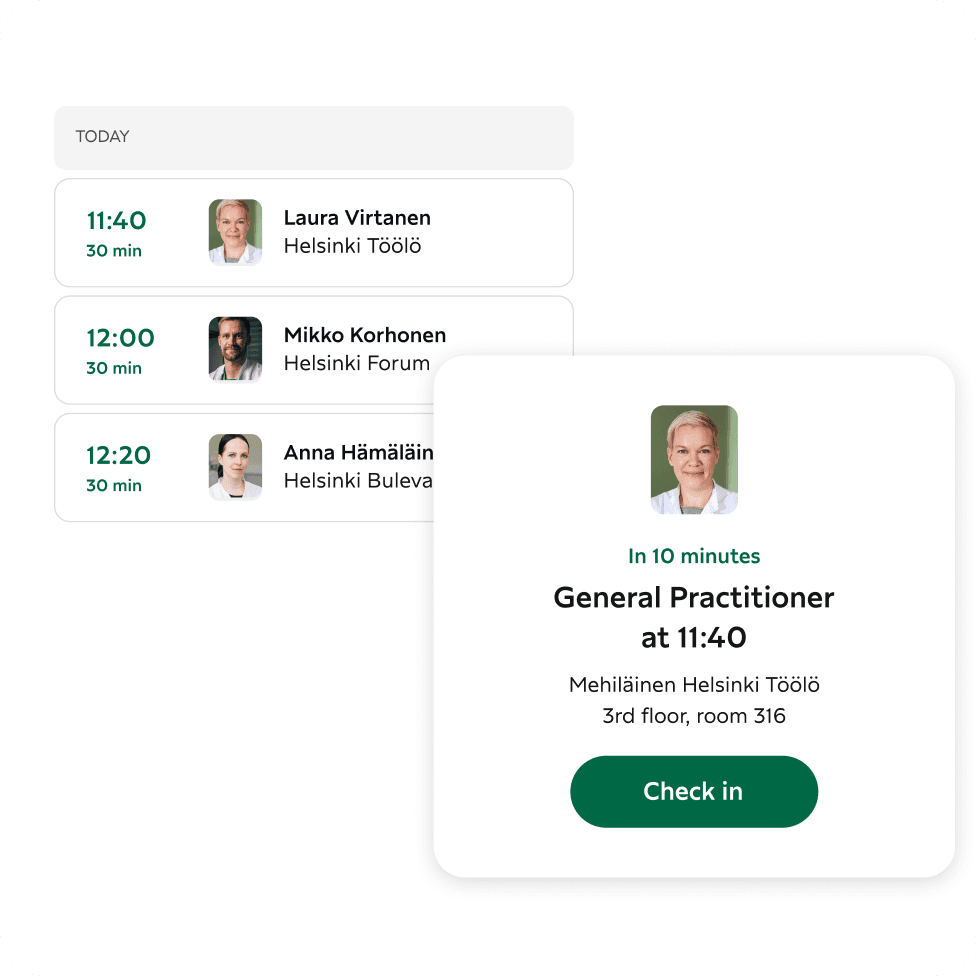
View your upcoming appointments in the app. When arriving for an appointment, check-in is easily done directly through the app without separate queuing. No more paper invoices. You can pay for your visit directly in OmaMehiläinen.
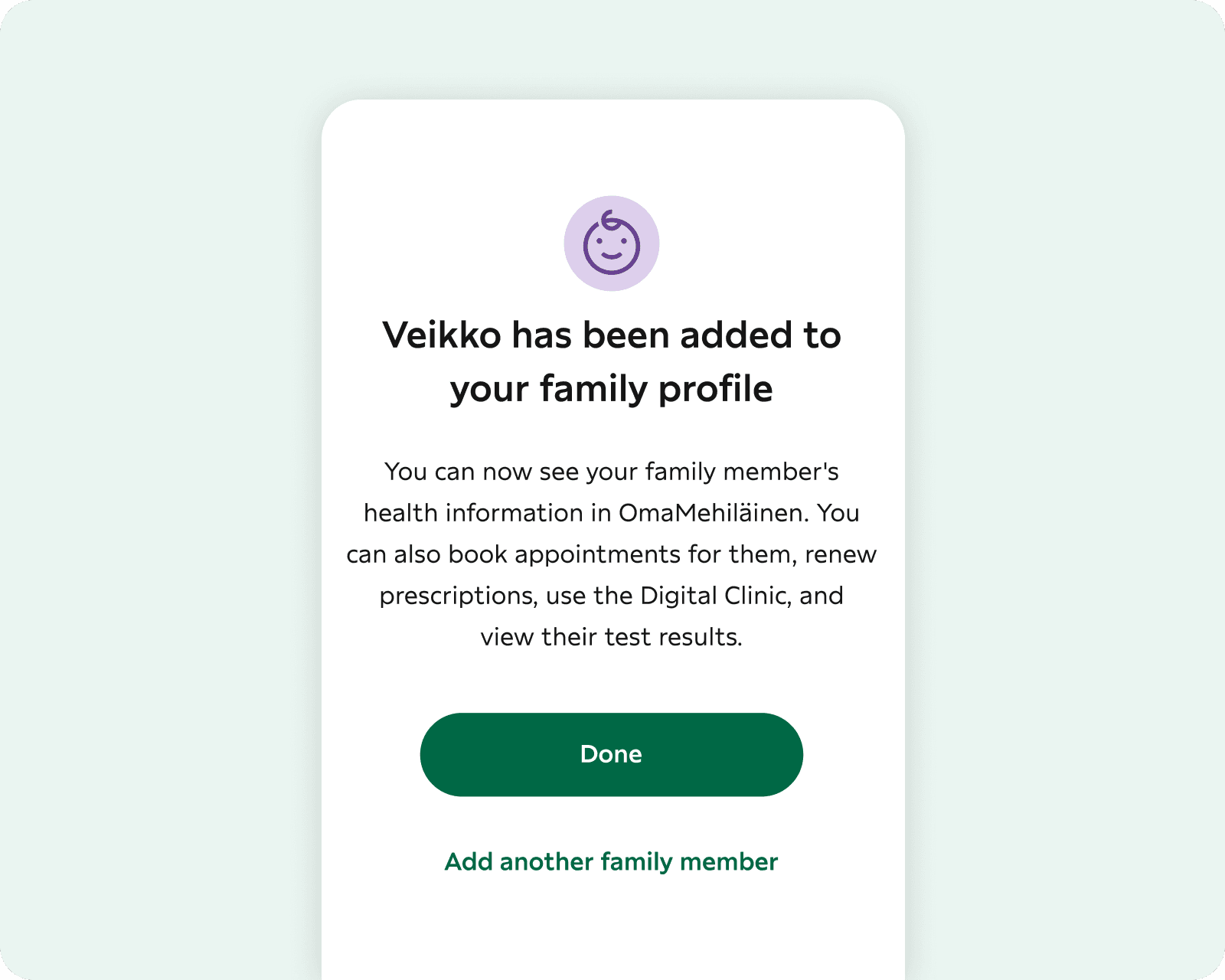
With a family connection, you can book appointments for your child or another family member, renew prescriptions, view test results, or, for example, use the Digital Clinic on their behalf.
The remote physician service addresses symptoms and ailments that do not require a physical examination. You only pay for the appointment if the issue is suitable for remote treatment.
Occupational health physicians, nurses, and physiotherapists support our occupational health customers in all health-related matters. The Digital Clinic Occupational Health Care Centre is available 24/7.
Quick assistance for many illnesses or health concerns around the clock. If necessary, you will receive referrals for examinations and medications via e-prescription.
Price 49 €
Renewing a prescription is easy and fast – you will receive a response within 24 hours. For occupational health customers, the invoice is sent to the employer.
Price 35 € / 1–2 prescriptions
A chat service for guardians of children under 5 years old. Trained midwives and nurses provide answers on topics such as pregnancy, child growth, breastfeeding, and parenting.
Price 0 €
When your child falls ill, the experts at Children’s Mehiläinen are here to help you around the clock. You’ll receive assistance in treating your child’s illness without the need to visit a doctor with a sick child.
Price 49 €
Get help for toothache, other oral symptoms, and assessment of the urgency of dental injuries. Dentists are available remotely every day from 8 AM to 8 PM.
Price 49 €
Are you interested in your well-being or need support in making lifestyle changes? Mehiläinen’s coaches and digitally supported coaching programmes assist you with health and wellness-related matters.
Price 99.90 €
A monthly subscription service to support the health of light entrepreneurs. The service includes the OmaMehiläinen Digital Clinic 24/7 and an annual Puhti laboratory package.
Price 24.90 €
In the Concern Chat, you can receive low-threshold conversational support for worries and concerns weighing on your mind. All discussions are completely confidential.
Price 39 €
You can download the OmaMehiläinen mobile app to your iOS phone from the App Store or to your Android phone from the Google Play Store. The app requires iOS 16 or later or Android 9.0 or later.
You can log in to the app using your Finnish online banking credentials or Mobile ID. After identification, you can log in to the app with fingerprint or facial recognition, or with a PIN code you created while logging in.
The OmaMehiläinen mobile app is available for download to iOS and Android devices.
You can download the OmaMehiläinen mobile app to your iOS phone from the App Store or to your Android phone from the Google Play Store. The app requires iOS 16 or later or Android 7.0 or later.
At Mehiläinen, you can act on behalf of another person in electronic services, during appointments, and when booking an appointment, for example, by phone.
Once the right to act on behalf is established, you can link a minor child or an adult under your care to your family profile in OmaMehiläinen.
You can find your appointment in your future events in the Home view. The registration button is activated 20 minutes before the appointment. You can then register for the appointment by selecting “Register”. The app will tell you which floor and room to go to.
Make sure that you have allowed notifications for the app in your phone settings. You can also manage notifications and other service messages in the OmaMehiläinen app (My information – Settings – Marketing and service messages).
You can manage app permissions in your phone settings, as well as in the app (My information – Settings – Marketing and service messages). Please note that if you turn off notifications, you will not receive reminders about future appointments or completed test or examination results, among other things.
Your health information will not be stored on the device. Instead, it is retrieved from the Mehiläinen patient information system when you use the app. The user’s identifying information, based on which the health information is retrieved, is encrypted using technology provided by the platform developer. Information security is attended to by the developer on a regular basis.
When you log in to OmaMehiläinen for the first time, you create a PIN code so that a third party will not be able to log in to OmaMehiläinen, even if they get their hands on the device.
The user of the app must ensure that the device is always updated to the latest available version of the operating system. The OmaMehiläinen mobile app must always be updated to the latest available version.
You can start using strong identification through the OmaMehiläinen app (My information – Bookings – Allow online booking only when strongly identified).
If you do this, you can only book appointments with strong identification or through our customer service.
You can renew prescriptions written at Mehiläinen via the Prescriptions section. The price of the prescription renewal will be shown when you renew your prescription. You can renew multiple prescriptions at the same time.
To renew a prescription, you will need to enter the details of your Kela card and your payment card on the My Information page in OmaMehiläinen. Please also enter a valid email address.
Please note that not all prescriptions can be renewed without contacting a healthcare professional.
Digital Clinic is a service where you can contact a healthcare professional 24/7. Through Digital Clinic, you can contact our professionals about any health issue. We will look after you and guide you to the correct treatment path if we cannot help you at Digital Clinic.
To use Digital Clinic, you will need to enter the details of your Kela card and your payment card on the My Information page in OmaMehiläinen. Please also enter a valid email address.
The fee for using Digital Clinic is displayed before the chat starts. If we are not able help you, the service will be free of charge. However, we reserve the right to charge a fee for your appointment if your condition needs to be examined more extensively by a doctor.
Yes, you can. Anyone can log in to the service using their personal online banking credentials. However, if you have not used Mehiläinen’s services before, the service will not display any previous appointment history.
If your online banking credentials do not work with other services either, we recommend that you contact your bank.
On Android devices, please note that after using an identification app, the app will be running in the background and tapping the app icon will always restart the app. So please open the app from the most recently used apps to avoid restarting the app.
Please try uninstalling and reinstalling the app.
If there is a problem, please contact us using the feedback form.
In OmaMehiläinen, only you can view your health information retrieved from Mehiläinen’s patient information system.
If you add a person to your family profile and specifically allow them to see and manage your health information in the family profile settings, they will also be able to see your information.
In OmaMehiläinen’s data protection settings, you can also allow the Mehiläinen professionals taking part in your care to view information you have added to OmaMehiläinen (including vaccinations and personal entries).
If you accept the invitation, your spouse will only be able to see your name.
If you specifically allow your spouse to view and manage your health information in the family profile settings, they will see all of your information in OmaMehiläinen in the same way it is displayed to you and, for example, book appointments for you.
You can delete your OmaMehiläinen profile by following these steps:
After this, you can uninstall the OmaMehiläinen app.
Try closing the app completely and then opening it again. If this does not help, make sure you are using the latest version of the app. If necessary, update the app.
The notification settings for apps are configured in the phone settings – these are not affected by your selections in OmaMehiläinen.
If you opt out of app notifications, you will not receive notifications about new messages on the Digital Clinic, reminders about upcoming appointments or new test results, for example.
You can manage marketing and service message permissions for electronic channels (text messages, email) in the My Information section of the OmaMehiläinen app.
It is not possible to set a separate preferred first name in our systems. In our communications and customer interactions, we use the official name listed in the customer’s information.
You can access your information by logging in to the OmaMehiläinen service. You can view your previous and upcoming appointments, open referrals, test results and prescriptions.
OmaMehiläinen's foreign identification is intended for customers who do not have a Finnish personal identity code, personal Finnish online banking credentials, or a Mobile Certificate. Identification is started from the OmaMehiläinen app's login page under "Don't you have a Finnish personal identity code?" and by following the instructions on the screen. To register without a Finnish personal identity code, you need an email, a mobile device with a camera, and a valid passport.